
Cyberpunk & Sci-Fi Discord Banners
Neon-soaked cyber aesthetics, holographic grids, futuristic HUD displays, and electric nightscapes tuned for dark-mode Discord. Handcrafted 960x540 banners and 512x512 matching avatars engineered with strict 48px Discord safe zones, 1-click profile hex matching, and loop-perfect animations under 10MB.


Cyber Valkyrie: Neo Tokyo Rain
Futuristic cybernetic anime heroine with glowing cyan visor and holographic HUD overlooking neon-lit Shinjuku rain-slicked towers.

Lucy: Moonlit Cyberpunk Odyssey
Lucy gazing at the Earth from the desolate lunar surface under neon cyan starry expanse from Cyberpunk: Edgerunners.

Glowing Eyes: Cyber Visor Pulse
Futuristic cyberpunk ocular implants glowing in cyan neon with animated data stream scanlines.

Pink Sideview: Neon Silhouette
Sleek anime heroine side-profile backlit by vivid hot pink and magenta neon club illumination.

Midnight Drift: Neon Blur Sedan
A sleek sports sedan slicing through rain-slicked highway asphalt with glowing red tail-light trails and neon city blur.

Synthwave Horizons: Purple Moon
A massive radioactive purple moon glowing in a synthwave cyber-sky above dark atmospheric skyscrapers.

Cyber Neko: Neon Visor Cat
Futuristic cyber feline sporting a holographic visor with animated glowing neon data pulses.
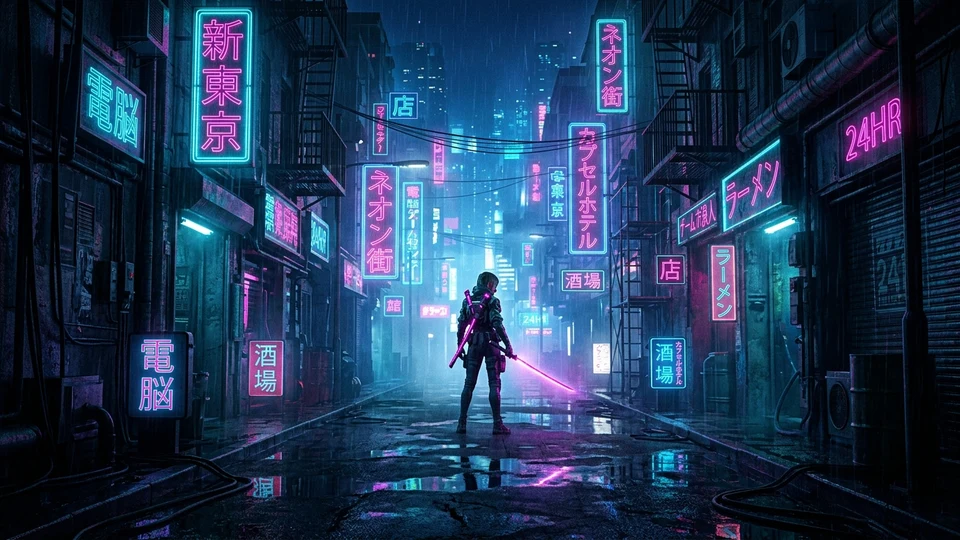
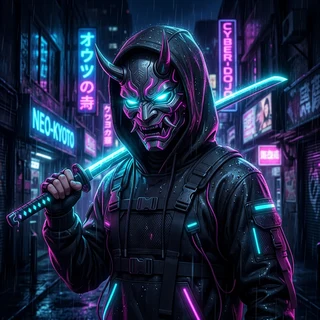
Neo-Tokyo Ronin: Cyberpunk Rain Alley
Cyborg ronin with a glowing plasma katana standing in a rain-slicked Neo-Tokyo alleyway illuminated by vibrant cyan and magenta neon signs.

Cyber Techwear: Neon Cyan Rim Shadow
Stealth techwear hoodie with subtle cold cyan and midnight blue rim lighting cutting through darkness.
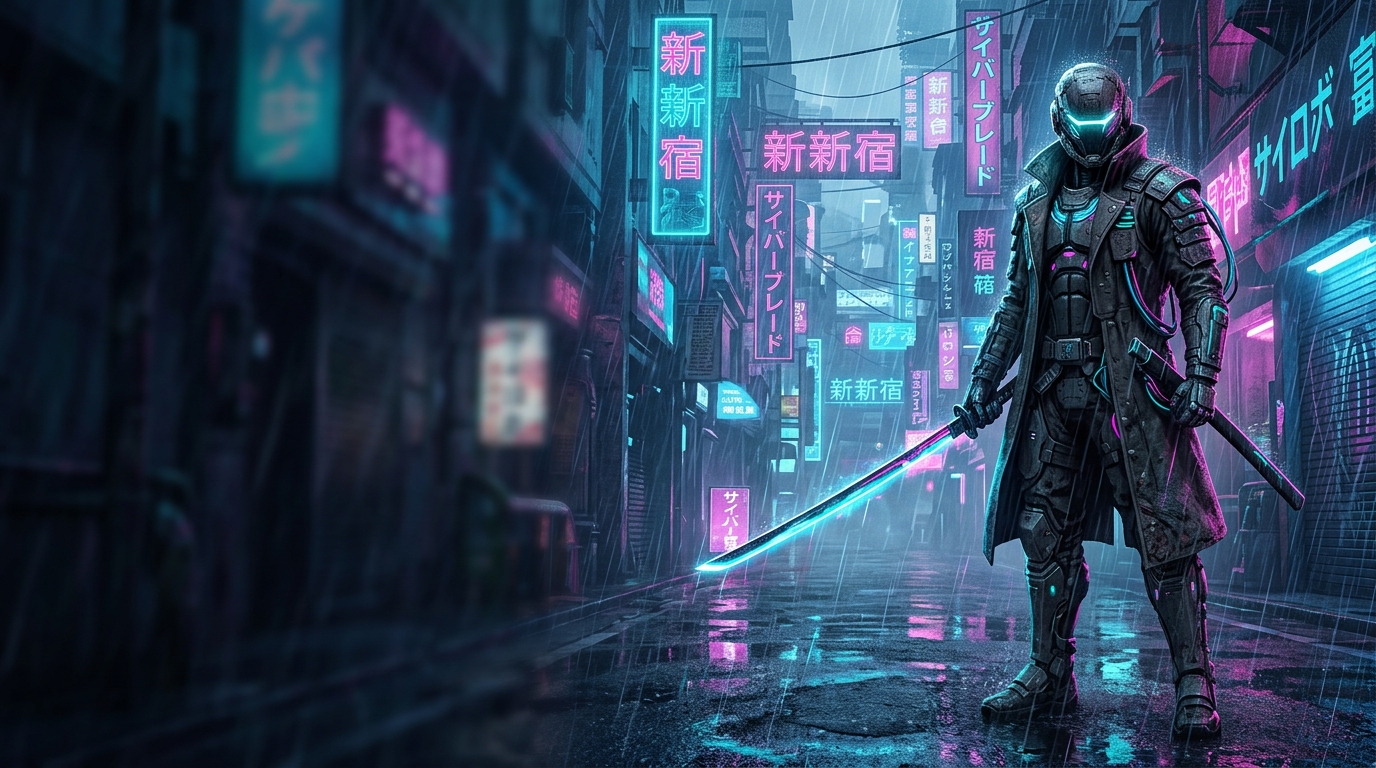
Neo Shinjuku: Cyber Katana
A cybernetic street samurai with an energized cyan katana standing in a rain-slicked Neo-Tokyo neon alleyway.
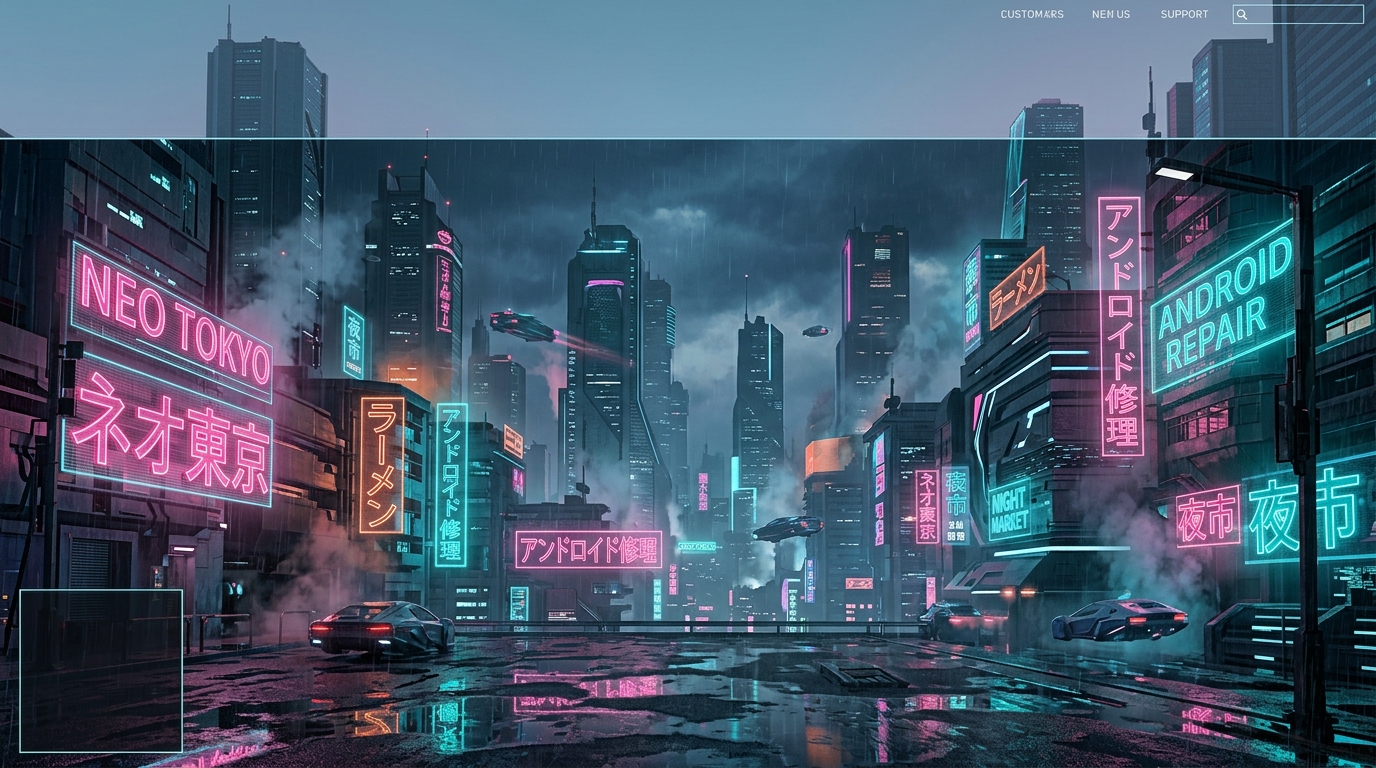
Shinjuku Neon: Rain & High Voltage
Towering holographic megastructures, glowing kanji billboards, and soaring aerocars through neon purple rain mist.
No matching Cyberpunk presets
Try clearing your search term or mood filter.
Discord Creator Guide: Cyberpunk & Tech Specifications
Dark Mode Immersion, Neon Holograms & High-Frequency Motion Loops. Learn the precise safe-zone dimensions, Discord Nitro animation limits, and profile theme hex integration required to render pristine Discord profiles.
Safe Zones & Banner Geometry
16:9 Neon Grid Composition with Discord Dark Mode Edge Alignment
Cyberpunk banners feature terminal readouts, Japanese kanji glyphs, and holographic wireframes along the perimeters. Ensure all critical UI elements are offset at least 48px from the top and 140px from the bottom-left to avoid avatar collision.
Seamless Profile Hex Blending
1-Click Discord Nitro Profile Integration
Because Discord defaults to dark mode (#313338), cyberpunk presets utilize deep obsidian blacks (#090C16) and deep synthwave blues. Matching your Discord profile primary hex to #090C16 creates an infinite borderless illusion where neon holograms appear to float directly on the Discord client.
Motion Loops & 10MB Nitro Limit
Seamless Looping at 30-60 FPS
Glitch sweeps and holographic scans should loop seamlessly every 2 to 3 seconds. By utilizing rhythmic easing and high-contrast glow vectors, our motion presets achieve maximum visual intensity with file sizes under 6MB.
Circular Avatar Recomposition
512x512 with 15% Perimeter Padding
For cyberpunk PFPs, high-contrast silhouettes (cybernetic visors, neon helmets, robotic skulls) create the strongest impression in Discord member lists. Maintain a 20% outer padding so the circular mask does not cut off visor corners.
Visual Safe-Zone Architecture (960 x 540)
How Discord renders user profile banners on desktop & mobile clients.
Pro Tip: Pair your cyberpunk banner with a glowing custom status emoji and set your profile accent to hot magenta (#FF0055) or cyan (#00F0FF) to match the preset's glow layer.
Cyberpunk & Tech Discord Asset FAQs
Common questions from creators about sizing, Nitro requirements, theme matching, and copyright compliance.
Why is Discord Dark Mode the best backdrop for cyberpunk banners?
How do holographic scanlines and cyber grid animations render on mobile Discord?
What are the safe-zone rules for cyberpunk HUD and terminal banners?
How do I make my cyberpunk avatar look holographic in circular crop?
What file size should I aim for when exporting an animated cyberpunk banner?
Explore Free Discord Creator Tools
Need custom dimensions or want to test your own artwork? Use our specialized browser utilities.
Discord Banner Studio
Crop, resize, and inspect 960x540 banners with live Discord safe-zone grid guides.
Launch Tool →Avatar & PFP Optimizer
Preview 1:1 circular cropping, decoration borders, and status badge alignment.
Launch Tool →Discord Size Cheat Sheet
Every verified 2026 dimension for banners, avatars, emojis, stickers, and role icons.
Read Specs Guide →